INSTAGRAM TRANSCRIPT · FILE TEST
Instagram transcript supported file formats
The file picker accepts MP3, WAV, M4A, AAC, OGG, FLAC, MP4, MOV, and WebM. In a controlled ordinary-Chrome production test, one clear-speech fixture in each of those nine formats returned a transcript and timing, so TXT and SRT could be saved.
That result is specific to the tested files and browser. A file with the same extension can still fail if its codec cannot be decoded by the browser or its video has no usable audio track.
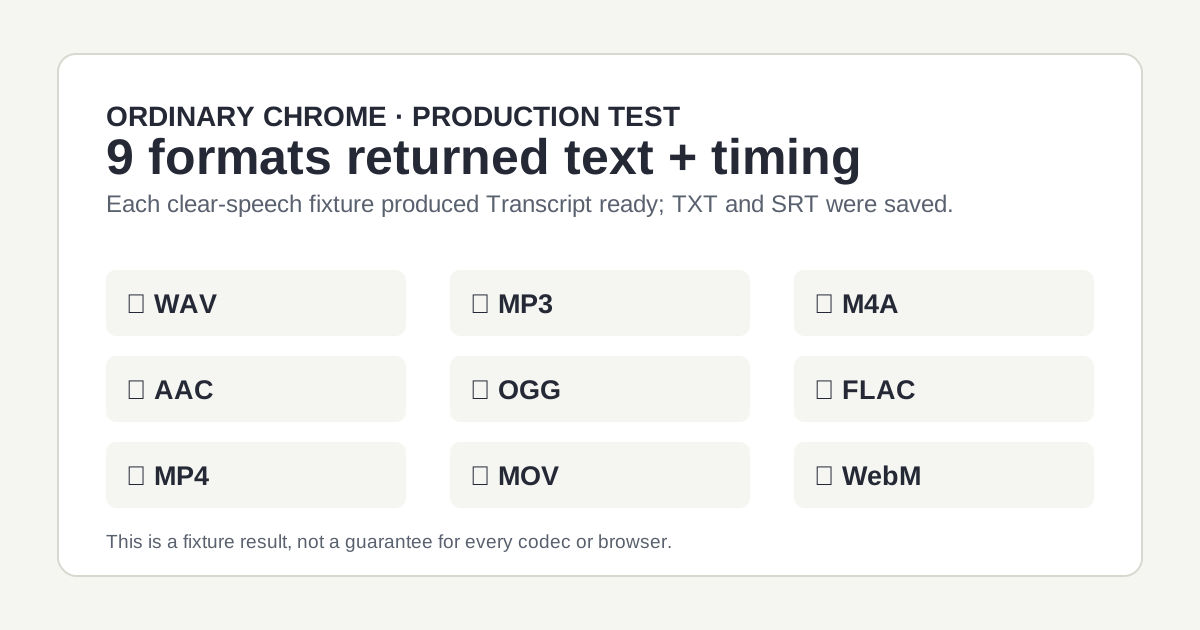
Controlled fixture result on October 20, 2026: each tested clear-speech file returned text and timing in ordinary Chrome.
The nine tested formats
| Format | Test fixture | Observed page result |
|---|---|---|
| WAV | 60.46-second clear-speech PCM | Transcript ready; TXT and SRT saved. |
| MP3 | 60.46-second clear speech | Transcript ready; TXT and SRT saved. |
| M4A | 60.46-second clear speech | Transcript ready; TXT and SRT saved. |
| AAC | 60.49-second clear speech | Transcript ready; TXT and SRT saved. |
| OGG | 60.46-second clear speech | Transcript ready; TXT and SRT saved. |
| FLAC | 60.46-second clear speech | Transcript ready; TXT and SRT saved. |
| MP4 | 120-second video with a small audio track | Transcript ready; TXT and SRT saved. |
| MOV | 60.0-second clear-speech video | Transcript ready; TXT and SRT saved. |
| WebM | 60.01-second clear-speech video | Transcript ready; TXT and SRT saved. |
Why the extension is not the whole answer
The browser reads the selected file and prepares mono audio before sending it for transcription. That means the extension is only the first check. A damaged file, a browser decoder that cannot read its codec, or a video with no audio track cannot provide usable audio.
If the result is empty or the audio cannot be prepared, use the empty-transcript guide for the input checks. If a file reaches the size check, the 20 MiB size guide explains that the limit applies to browser-prepared audio rather than the source-file size.