INSTAGRAM TRANSCRIPT · REVIEW PASS
How to review an Instagram transcript before you reuse it
Save the Instagram video to your device, upload its audio or video file, then replay names, numbers, product terms, and short quotes in the returned transcript before you reuse them; the tool returns editable text, plus SRT when timing is available.
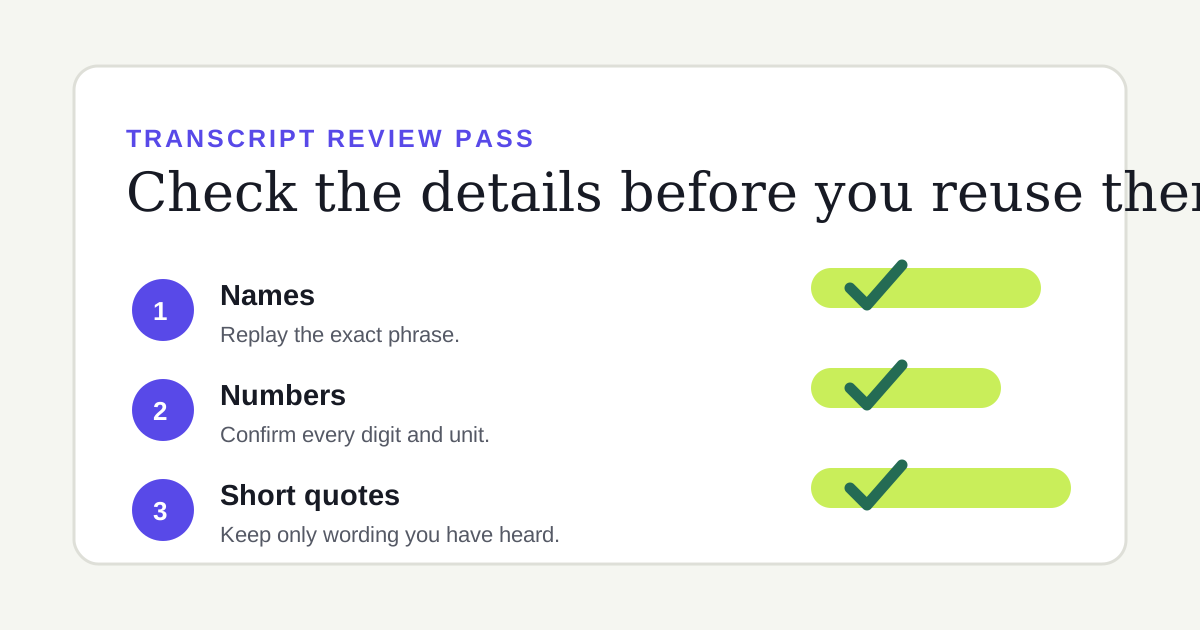
A three-part review pass: replay the exact phrase, verify every digit and unit, and keep only words you have heard.
Review in this order
- Names and product terms. Replay each unfamiliar name from the source file. A transcript may produce a plausible spelling that is still wrong.
- Numbers, dates, and units. Listen again for every number you plan to reuse. Check nearby words for a currency, percentage, date, version, or measurement that changes its meaning.
- Short quotes. Replay the whole sentence, including the words immediately before and after the phrase you want to quote. This helps you keep the speaker’s intended wording and context.
- Sentence breaks. Add punctuation and paragraph breaks for readability, but do not let a convenient break turn two ideas into a different claim.
What to check before you publish
Keep a copy of the editable transcript, then compare only the parts that matter to your use. A caption for personal notes needs less checking than a public quote, product detail, or instruction. When you cannot hear a word clearly, leave it out or mark it for a person who can verify it.
Do not expect speech transcription to fill in information that is only visible in the video. It listens to audio; it does not read labels, stickers, usernames, or visual captions. For a Reel without captions, see the no-captions guide.
A short test record
In our October 23, 2026 browser test, a 60.4560625-second WAV file returned editable text and timing data. The text still needed a review pass before reuse because returned timing shows where words were recognized, not whether a name or number is correct for your purpose.
Timing can make that replay faster. When the service returns timing, the site offers SRT; when timing is missing, it keeps TXT available and leaves SRT unavailable. Read how TXT and SRT export work before using captions in an editor.
Quick answers
Should I correct every word?
Correct the parts you will reuse and any wording that could change the meaning. Names, numbers, product terms, and short quotes deserve a listening check first.
Can an SRT replace a review pass?
No. SRT timing helps you locate spoken text, but it does not verify the wording for you.
What if the transcript is nearly empty?
Check that the saved file has audible speech and that browser-prepared audio is 20 MiB or smaller. The empty-transcript checklist covers those cases.